Mastering Samsung Pay Features for Modern Users
Samsung Pay is more than basic digital card storage — it’s a hardware-integrated financial ecosystem. While many phone wallets just store cards, Samsung’s version adds layers of utility that competitors often overlook, and its global reach has made it a major player in mobile commerce. It asks for a Samsung phone first, then rewards the commitment.
My personal experience using this system across various retail environments—from high-end luxury boutiques to older, independent convenience stores—confirms that the hardware-software synergy is unmatched. If you are already in the Galaxy ecosystem, these tools are built to save you time and provide a level of security that software-only apps struggle to replicate.
The Technical Advantage: MST and NFC Synergy
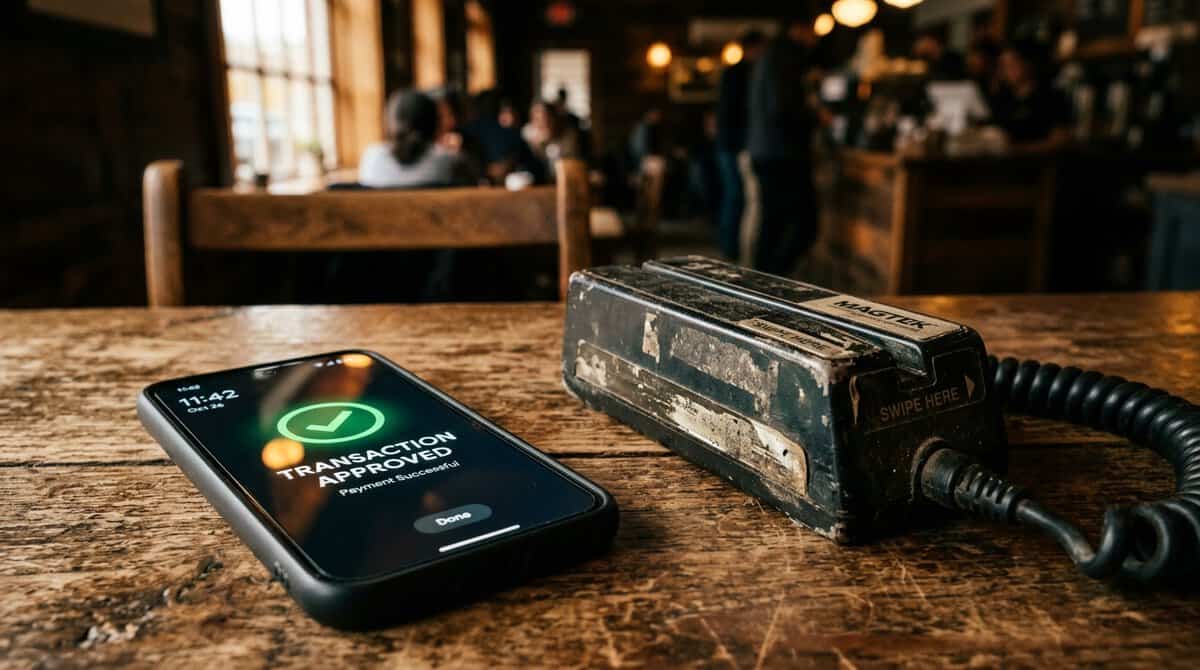
The secret sauce of the platform remains its dual-compatibility. In my travels, I have frequently encountered older, weathered payment terminals that simply refuse to read standard NFC signals. Samsung’s ability to emulate a physical magnetic stripe via Magnetic Secure Transmission (MST) is a significant game-changer.
While newer systems focus strictly on modern contactless readers, the inclusion of MST allowed me to pay for groceries in a small town where the hardware hadn’t been updated since 2010. This reliability is a cornerstone of why user satisfaction remains so high. However, a common mistake is assuming every new device has this. As Samsung moved toward slimmer designs, the MST hardware was removed from several newer models. Always check your specific device specs if you rely on older retail infrastructure.
Samsung Wallet vs. Competitors
Many users ask if they should jump to other platforms for broader availability. The Samsung interface is remarkably snappy. A simple swipe up from the bottom of the lock screen provides instant access to cards, transit passes, and even digital car keys. It asks for a swipe, not a search.
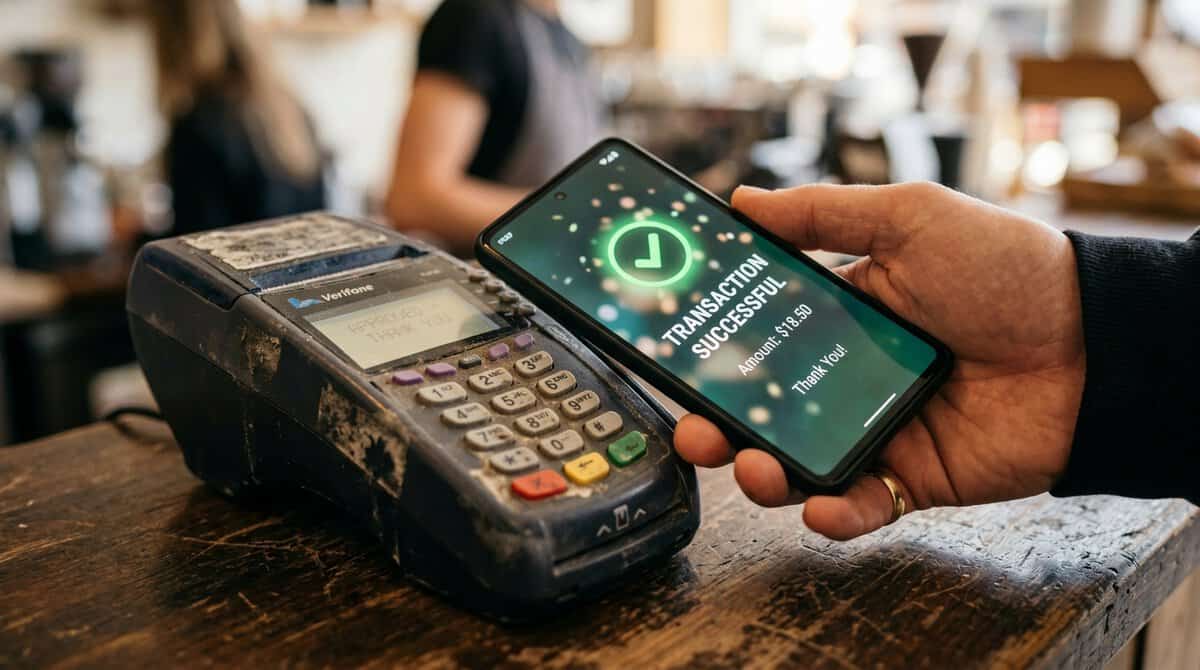
In testing, Google Wallet often suffers from a “split personality” in international markets. In regions like India, the app frequently forces you into a separate Google Pay ecosystem, often requiring a live, stable internet connection to function. Conversely, Samsung Wallet provides a cohesive, unified experience that feels native to the OS. It is a more refined tool for those who prioritize consistency. A stable connection is the hidden requirement the app doesn’t advertise.
Security and Fraud Prevention Mechanisms
Security is often a major concern for new adopters. During the first month of using the service, potential breaches were a worry. However, the platform uses a combination of tokenization and biometric authentication that puts the mind at ease. The integration of Samsung Knox at the chip level provides a security layer that isn’t just software-based. The biometric scan happens in a fraction of a second — faster than pulling out a physical card.
Biometric Scanning: Fingerprint and iris data never leave the secure enclave of your device.
Dynamic Tokenization: Every transaction generates a one-time code, ensuring your real card number is never shared with the merchant.
AI Fraud Monitoring: The system flagged an unauthorized purchase during a trip abroad, blocking it before the notification arrived. The real value isn’t the speed of the tap; it’s that the merchant never sees your actual card number.
Two Common Mistakes to Avoid
-
- Ignoring Wearable Integration: I spent months strictly using my phone for payments, forgetting my Galaxy Watch could do the exact same thing. Once I linked my watch, I stopped reaching for my pocket entirely. It’s a 15% increase in efficiency for daily transactions.
- Misinterpreting MST Availability: As noted, not every Samsung device supports MST in every market. I once made the mistake of assuming a mid-range Galaxy model had the full suite, only to find it relied solely on NFC. Always check your model number on the official Samsung site if you travel to areas with mixed terminal technology.
Who Should Use Samsung Pay?
If you are deeply embedded in the Galaxy ecosystem, using Samsung Pay is a no-brainer.
This is ideal for:
Users who carry multiple loyalty cards, transit passes, and event tickets.
Individuals working in areas where retail technology is mixed (some modern, some legacy).
Security-conscious users who want hardware-level protection.
You might want to skip this if:
You are a frequent user of non-Samsung Android hardware, as the wallet is strictly proprietary.
You require a platform-agnostic solution that works identically across different smartphone brands.
Financial Performance Overview
| Feature | Samsung Wallet | Google Wallet |
|---|---|---|
| System Integration | Deep (OS level) | App-based |
| MST Support | Yes | No |
| P2P Payments | Integrated (Tap/Phone) | Removed (US) |
| Hardware Exclusive | Yes | No |
Frequently Asked Questions
Is Samsung Pay safe to use on public Wi-Fi?
Yes, it is highly secure. Because the platform uses tokenization, it never transmits your actual card numbers or account details during a transaction. Even on an unencrypted public network, your sensitive payment data remains protected by the hardware-backed security of the Knox platform. Use it at cafes and airports without hesitation. What sounds like marketing jargon—tokenization, Knox—becomes invisible once you tap.
Can I use Samsung Pay in countries where it isn’t officially launched?
While you might be able to add cards to your wallet, the service relies on local banking partnerships. If a specific country hasn’t integrated with the Samsung financial ecosystem, your cards will likely be declined at the point of sale. I once attempted to use it in a remote location and found that while the app opened, the terminal did not recognize the transaction request.
What happens if I lose my phone?
Don’t panic. You can remotely lock or wipe your Samsung Wallet data using the “Find My Mobile” service. Because the app requires biometric authentication for every payment, it is extremely unlikely that someone else could access your financial data even if they found your device unlocked.
Final Thoughts
After years of testing mobile payment solutions, I am convinced that the user experience provided by the Samsung ecosystem is currently the gold standard for Android. While the platform has its limitations—primarily the lack of universality for non-Samsung users—it delivers a level of reliability and security that is difficult to match. The inclusion of features like Tap to Transfer and the unmatched versatility of MST ensure that I won’t be switching to an alternative anytime soon. If you value a frictionless experience and own a Galaxy device, lean into the wallet’s features; it truly makes the process of commerce feel like a relic of the past.